
Last updated: April 26, 2026
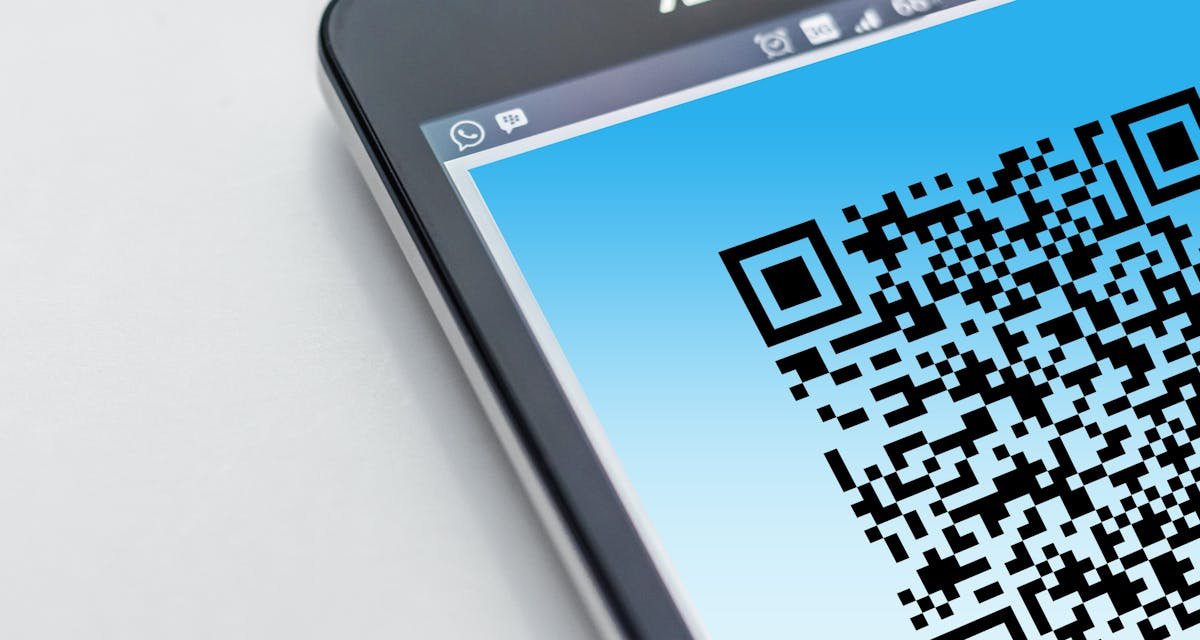
A text message says you have a traffic violation. It may show a court date, a case number, a state seal, or a QR code that asks you to pay now. It looks serious, but it may not be real.
Scammers are sending fake traffic violation text messages to scare people into paying fake fines or giving away private information. The message may claim you must scan a QR code to avoid court, late fees, enforcement action, or extra penalties.
If you received a traffic violation text with a QR code, do not scan it right away. First, slow down, check the warning signs, and verify the claim from an official source.
Quick Answer
A traffic violation text with a QR code is suspicious if you were not expecting it, if it pressures you to pay fast, or if it asks for personal or payment details through a link. Do not reply, do not scan the QR code, and do not use the phone number or website inside the text. Check the official court, DMV, or toll agency website directly.
What Is the Traffic Violation Text Scam?
The traffic violation text scam is a fake message that pretends to come from a court, DMV, police department, toll service, or local government office. The goal is to make you believe you owe money for a ticket, toll, parking fine, or traffic hearing.
The message may include:
- A fake case number
- A fake hearing date
- A QR code for payment
- A warning about court action
- A threat of extra fines
- A link to a fake payment page
The Federal Trade Commission warned that this scam can begin with a text that looks like an official traffic hearing notice. The text may push you to scan a QR code and pay to avoid court.
“Don’t respond, and don’t scan the QR code.”
That is the safest first move. Do not interact with the message until you verify it through a trusted official source.
Why This Scam Feels So Real
This scam works because it uses fear. Most people do not want trouble with a court, the DMV, or a toll agency. When a message says you may face a penalty, your first reaction may be to fix it fast.
It Uses Official Looking Details
The message may include a seal, a case number, a hearing time, or a formal notice style. These details are designed to make the text look trustworthy.
It Creates Pressure
Scammers often use urgent words like pay now, final notice, court action, enforcement, or late fee. The goal is to make you act before you think.
It Uses a QR Code
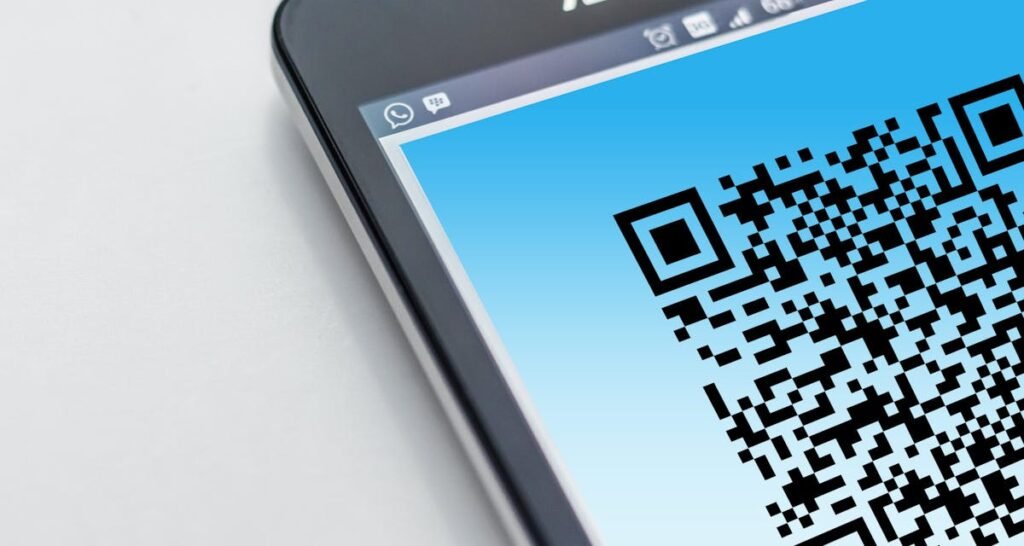
A QR code can hide the real website address until you scan it. That makes it easier for scammers to send people to fake payment pages that look official.
Common Warning Signs of a Fake Traffic Violation Text
Use this checklist before you tap, scan, or pay anything.
1. You Were Not Expecting a Notice
If you did not recently receive a ticket, park in a paid area, drive through a toll road, or have court business, treat the message as suspicious.
2. The Text Demands Fast Payment
Scam messages often say you must pay immediately to avoid bigger trouble. Real agencies usually give clear official instructions and ways to verify a notice.
3. It Asks You to Scan a QR Code
A QR code inside an unexpected text is a major warning sign. Do not scan it just because the message looks official.
4. The Link Looks Strange
Scammers may use website names that look close to official sites. One changed letter, extra word, or unusual ending can lead to a fake page.
5. It Asks for Sensitive Information
Be careful if the page asks for your Social Security number, full card details, bank login, driver license number, or date of birth.
6. The Sender Is a Random Number
A message from a random phone number, email style sender, or unknown short code should be treated with caution.
What Happens If You Scan the QR Code?
Scanning the QR code may open a fake website. That site may ask you to pay a fine, enter your card number, confirm your identity, or download something.
According to the FTC, scammers may try to steal personal information, download malware on your phone, or steal money through these fake notices.
The FBI also explains that phishing sites can look nearly identical to real websites and are made to steal sensitive information such as passwords, card numbers, and banking details.
“Smishing scams happen through SMS text messages.”
That means a normal looking text message can be part of a larger phishing attempt.
What To Do If You Get a Traffic Violation Text
Follow these steps in order.
Step 1: Do Not Reply
Do not answer the message. Replying can show scammers that your number is active.
Step 2: Do Not Scan the QR Code
Do not scan the code from the message. If you already scanned it, do not enter information on the page.
Step 3: Do Not Use the Link or Phone Number in the Text
Scammers may include fake contact details. Open your browser and search for the official court, DMV, city, county, or toll agency website yourself.
Step 4: Check the Official Website
If the message mentions a court case, check the court website directly. If it mentions a toll or traffic fine, check the official agency website directly.
Step 5: Call the Agency From a Trusted Number
Use the phone number listed on the official website, not the number inside the text message.
Step 6: Delete the Message After Reporting
Once you report it, delete the message so you do not accidentally open it later.
What If You Already Paid or Entered Information?
If you already scanned the QR code, paid money, or entered personal details, act quickly.
Contact Your Bank or Card Provider
Call the number on the back of your card. Tell them you may have entered your card details on a scam website. Ask them to block the card, dispute charges, and watch for new attempts.
Change Important Passwords
If you entered any account login details, change that password immediately. If you use the same password anywhere else, change it there too.
Turn On Two Factor Authentication
Add two factor authentication to your email, banking, payment, and phone carrier accounts. This makes it harder for someone to get in with only your password.
Watch for Identity Theft
If you gave sensitive personal information, watch your credit reports and financial accounts closely. Consider a fraud alert or credit freeze if your Social Security number or other identity details were exposed.
Report the Scam
Report the message to the FTC at ReportFraud.ftc.gov. If the scam involved cyber crime, you can also file a report with the FBI Internet Crime Complaint Center at IC3.gov.
How To Report a Traffic Violation Text Scam
Reporting helps agencies track scam patterns and warn other people.
Report to the FTC
Use ReportFraud.ftc.gov to report fraud, scams, and bad business practices.
Report to the FBI IC3
If you lost money, clicked a link, or gave information to a fake payment page, report it at IC3.gov.
Forward Spam Texts to 7726
You can forward unwanted spam texts to 7726. The FTC says this helps wireless providers spot and block similar messages in the future.
Use Your Phone’s Report Junk Option
On many phones, you can report a message as junk or spam inside the Messages app. Use that option before deleting the text.
How To Check If a Traffic Notice Is Real
If you are worried the notice might be real, do not ignore the issue completely. Just verify it safely.
Check the Court Website
Search for the official website of the court named in the message. Use the case search tool if the court provides one. Do not use the link from the text.
Check the DMV Website
If the message claims to be from a DMV or motor vehicle department, visit your state’s official DMV website directly.
Check the Toll Agency Website
If the message says you owe a toll, open the official toll agency site yourself. The FBI recommends checking your account using the toll service’s legitimate website.
Call the Agency Directly
If you cannot confirm online, call the official agency number from its real website. Ask whether the case number, plate number, or notice number exists.
Real Notice vs Scam Text
| Check | Real Notice | Scam Text |
|---|---|---|
| Source | Comes through official mail, verified account, or official agency portal | Comes from an unknown number with urgent language |
| Payment | Uses an official government or agency payment site | Pushes you to scan a QR code or open a strange link |
| Tone | Clear instructions with normal deadlines | Threats, fear, and pressure to pay now |
| Verification | Can be verified through the official website or phone number | Only points back to the text message link or number |
How To Avoid QR Code Scams in the Future
QR codes are useful, but they should be treated like links. If the source is unknown, the code is unknown too.
Preview the Link Before Opening
Many phones show a preview of the website before opening a QR code. Look carefully before tapping through.
Do Not Scan Codes From Unexpected Messages
If you did not ask for the message, do not trust the code. Verify through the official website first.
Keep Your Phone Updated
Install system and browser updates. Updates often fix security issues that scammers try to abuse.
Use Strong Account Protection
Use unique passwords and two factor authentication for email, banking, payment apps, and phone carrier accounts.
Final Takeaway
A traffic violation text with a QR code should be treated as suspicious until you verify it. Do not reply, do not scan the code, and do not pay through a link from the message. Use official court, DMV, city, county, or toll agency websites to check the claim safely.
If the message is fake, report it, block it, and delete it. If you already paid or gave information, contact your bank, change important passwords, and report the scam right away.
FAQ
Is a traffic violation text with a QR code always fake?
Not always, but it should be treated as suspicious if it is unexpected. Verify it through the official court, DMV, toll agency, or local government website before taking action.
Should I scan a QR code from a traffic ticket text?
No. Do not scan a QR code from an unexpected traffic ticket text. Check the official agency website directly instead.
What should I do if I clicked the link but did not enter anything?
Close the page, delete the message, and report it. If you downloaded anything or the page asked for permissions, run a security check on your phone.
What should I do if I paid a fake fine?
Contact your bank or card provider immediately. Ask them to block the card, dispute the charge, and watch for more suspicious activity.
Where can I report a fake traffic violation text?
You can report it to the FTC at ReportFraud.ftc.gov. You can also report cyber crime to the FBI at IC3.gov.